Hero / Desktop

[ UI/UX Design ]

Interfaces Your Users Understand Without a Manual

Good design is decided by what users do, not what a team prefers. We research how your users work, test ideas as Figma prototypes before code is written, and hand engineers a design system they can build from without guessing.

Book a UX Audit
Prototypes and design systems
Figma
Prototypes and design systems
Accessibility target
WCAG 2.2
Accessibility target
Average client rating
4.9/5
Average client rating

Research / User flow v3

Designer reviewing a user flow on her tablet
8 px gutter · 6 col
(01)Why design first

Changing a design is cheap. Changing shipped code is not.

When teams skip research and prototyping, they find out what users struggle with after launch, through support tickets and churn. Fixing it then means redesign plus rework. We move those discoveries earlier: we test flows with real users while they are still Figma frames, so engineering time goes into screens that already work.

  • Evidence over opinion

    Interviews, analytics and usability sessions settle design debates, so decisions do not depend on the loudest voice.

  • Tested before it is built

    Clickable prototypes go in front of target users, and the issues they hit are fixed before development starts.

  • Accessible by default

    Contrast, focus states, target sizes and screen reader behavior are designed to WCAG 2.2 AA from the start.

  • Built to hand off

    Tokens, components and annotated specs give developers exact values, states and behavior for every screen.

Relative cost of the same change

Illustrative. The point is the shape, not the numbers.

SketchPrototypeCodeLive
(02)What we do

UI/UX Design Services

Research, design and validation for new products and existing ones, delivered by senior designers who work closely with engineers.

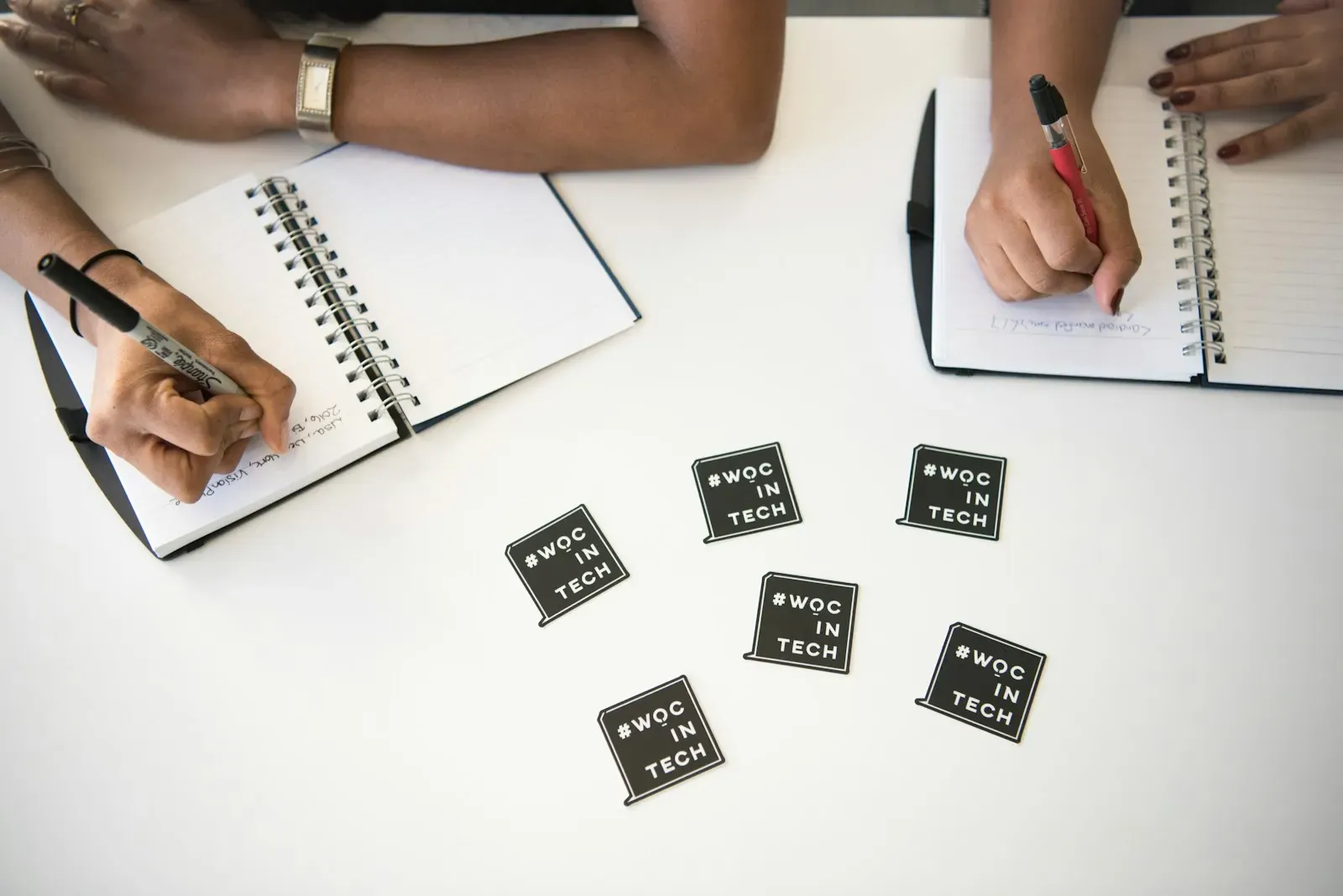
Two people taking notes in notebooks at a table

Understand

  1. User Research

    Interviews, contextual inquiry and surveys that show how your users work, what they need and where they get stuck.

    Research plan · Personas and jobs to be done · Insight report

  2. UX Audits

    An expert review of your current product against usability heuristics, analytics and accessibility criteria.

    Heuristic evaluation · Prioritized issue list · Quick-win recommendations

  3. Information Architecture

    Navigation, content structure and labels organized so users find what they need in fewer steps.

    Site map · Card sort results · User flow diagrams

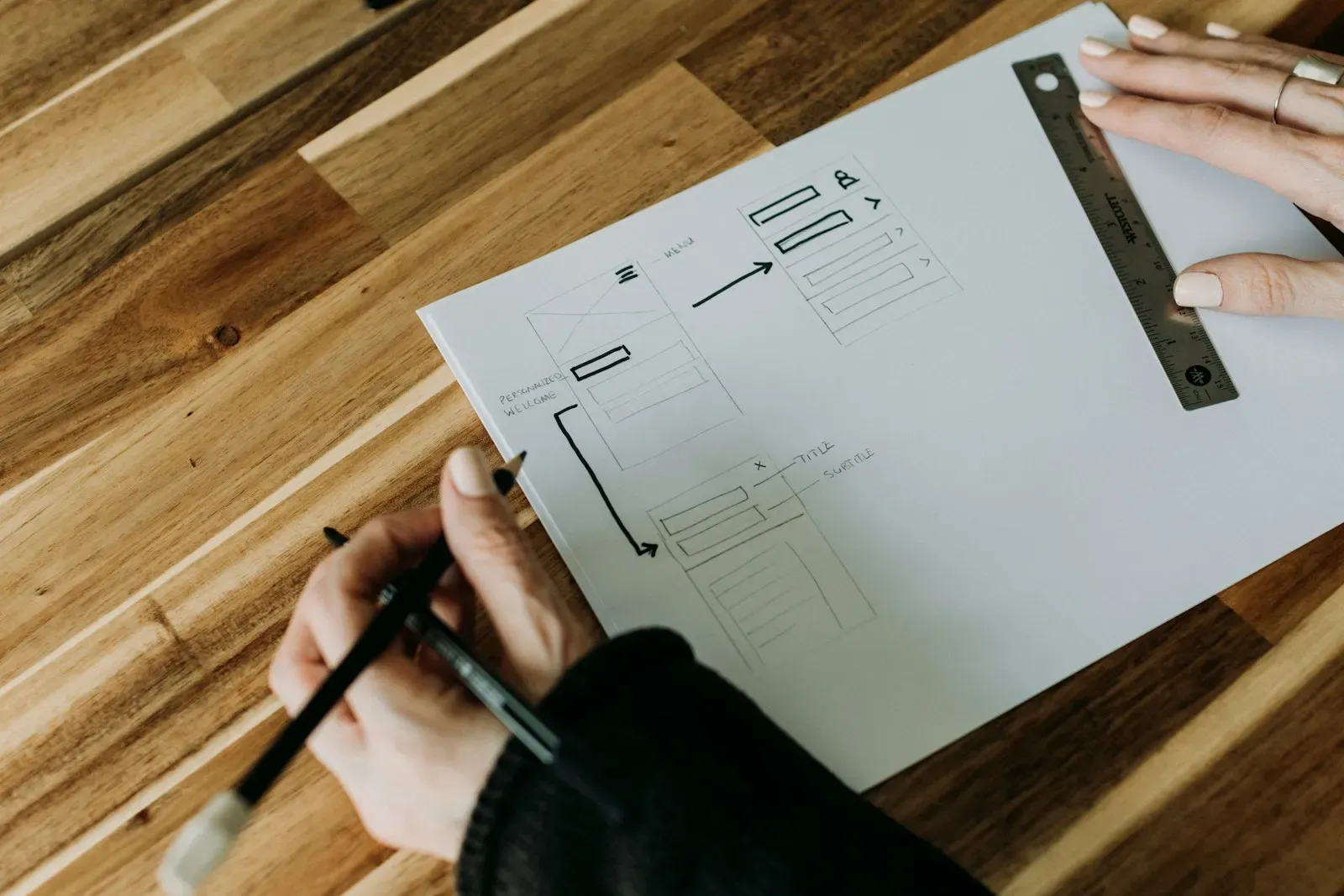
Designer drawing a screen layout with a pencil and ruler

Shape

  1. Wireframes and UI Design

    From low-fidelity wireframes to polished interfaces for web, mobile and dashboards, at every breakpoint.

    Wireframes · High-fidelity screens · Responsive layouts

  2. Prototyping in Figma

    Interactive prototypes with realistic content and transitions, used for testing, stakeholder sign-off and pitches.

    Clickable Figma prototype · Interaction specs · Motion guidelines

  3. Design Systems

    Tokens, components and usage guidelines in Figma, mapped to code components so design and build stay in sync.

    Design tokens · Figma component library · Usage documentation

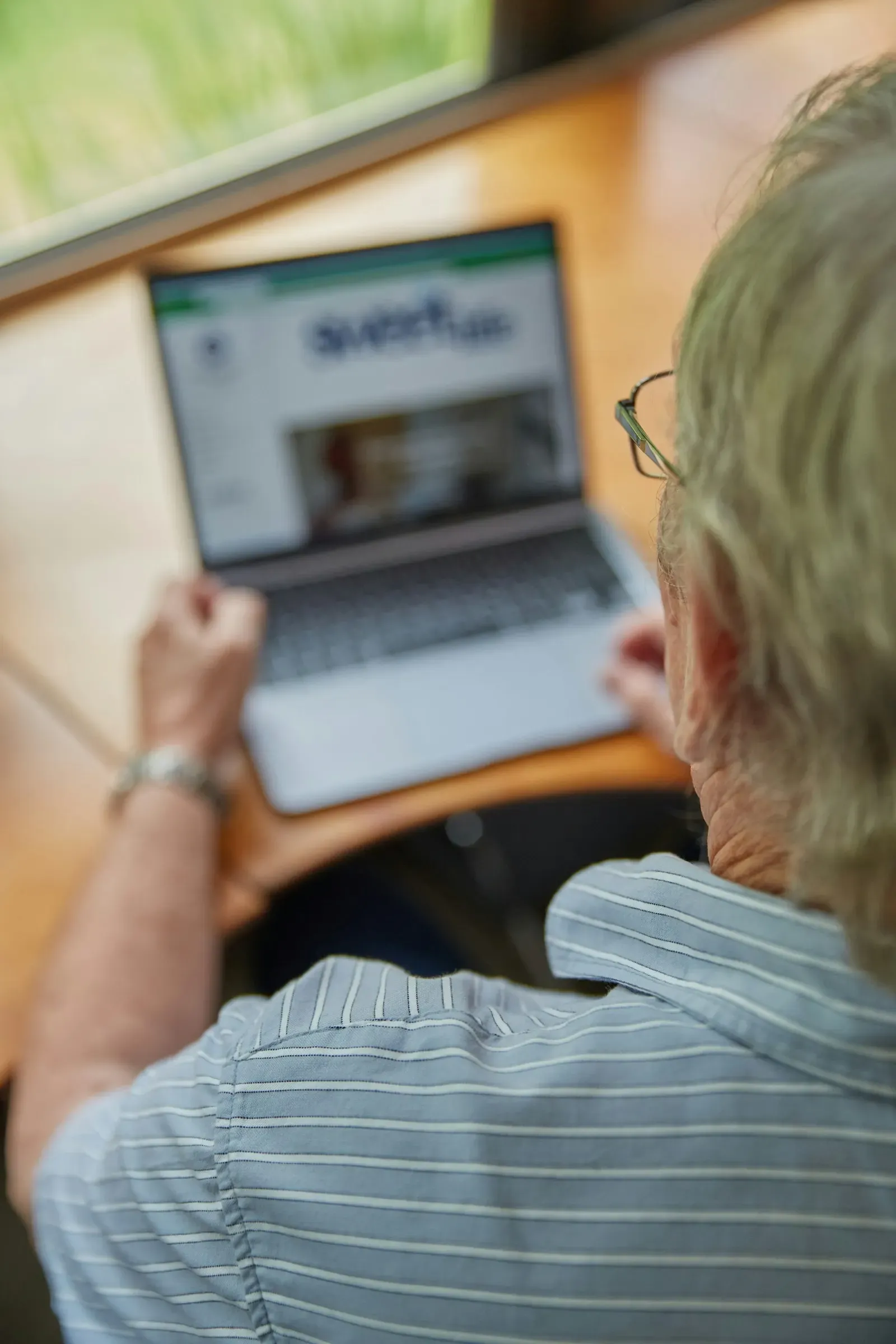
Older person trying out a website on a laptop

Prove

  1. Accessibility Design and Review

    Designs and audits against WCAG 2.2 AA, covering contrast, keyboard paths, focus order and screen reader labels.

    WCAG 2.2 audit · Remediation plan · Accessible component specs

  2. Usability Testing

    Moderated and unmoderated sessions with target users, with clear findings and design changes that follow from them.

    Test script and tasks · Session recordings · Findings and fixes

  3. Product Redesign

    Staged redesigns of existing products that improve usability without disrupting the users who rely on them.

    Redesign roadmap · Before and after testing · Rollout plan

[ Design work ]

Products Our Designers Shaped

Consumer and professional products where research and testing guided the final interface.

Share rate
27%of players share their result
Completion
84%of players who start a test finish it
Time to publish
<1 hrfor a new test, with no developer involved
Load time
0.8saverage page load on mobile during traffic spikes

Entertainment

TestPick

A Korean quiz and personality test platform built for virality. Short 10 to 15 question tests, from trivia and grammar to 'which drama character are you', end in a shareable result card that brings the next wave of players in.

Read the case study
[ Client voices ]

What Clients Say About Our Design Work

  • 5.0Clutch
  • 5.0GoodFirms
  • 5.0Google
  • 4.9Upwork
I had the pleasure of working with Sajal Tech on a travel website, and it was an incredible experience from start to finish. They demonstrated professionalism, clear understanding of requirements, and excellent communication throughout.
DKDaniel KwekaCEO, Darius Digital
Knowledgeable, efficient, and ahead of schedule. Will hire again.
TMTom McGrathFounder, Tipperary | eIrish.com
They completed our project even when the scope changed slightly. They were cooperative when we wanted to add or modify features.
AUArda UygurFounder, Hallolur
(03)How we work

A Design Process Grounded in Real Users

Research, design and testing overlap, so findings feed the next iteration within days rather than weeks.

  1. Weeks 1 to 2

    Kickoff and research

    Stakeholder interviews, user interviews and an analytics review to define problems, users and success metrics.

    Research plan, Insight report, Personas

  2. Weeks 2 to 3

    Flows and wireframes

    Information architecture, user flows and low-fidelity wireframes for the key journeys, reviewed with your team.

    User flows, Wireframes

  3. Weeks 3 to 5

    Prototype and test

    A clickable Figma prototype tested with five to eight target users per round, with changes made between rounds.

    Figma prototype, Usability findings

  4. Weeks 4 to 6

    Visual design

    High-fidelity screens for every state and breakpoint, checked against WCAG 2.2 AA as they are designed.

    UI screens, Accessibility checks

  5. Weeks 5 to 7

    Design system

    Reusable components, tokens and guidelines extracted from the final screens and documented for engineers.

    Component library, Design tokens

  6. Weeks 7 to 8

    Handoff and build support

    Annotated specs, walkthroughs with developers and design QA on the implemented screens before release.

    Dev-ready specs, Design QA report

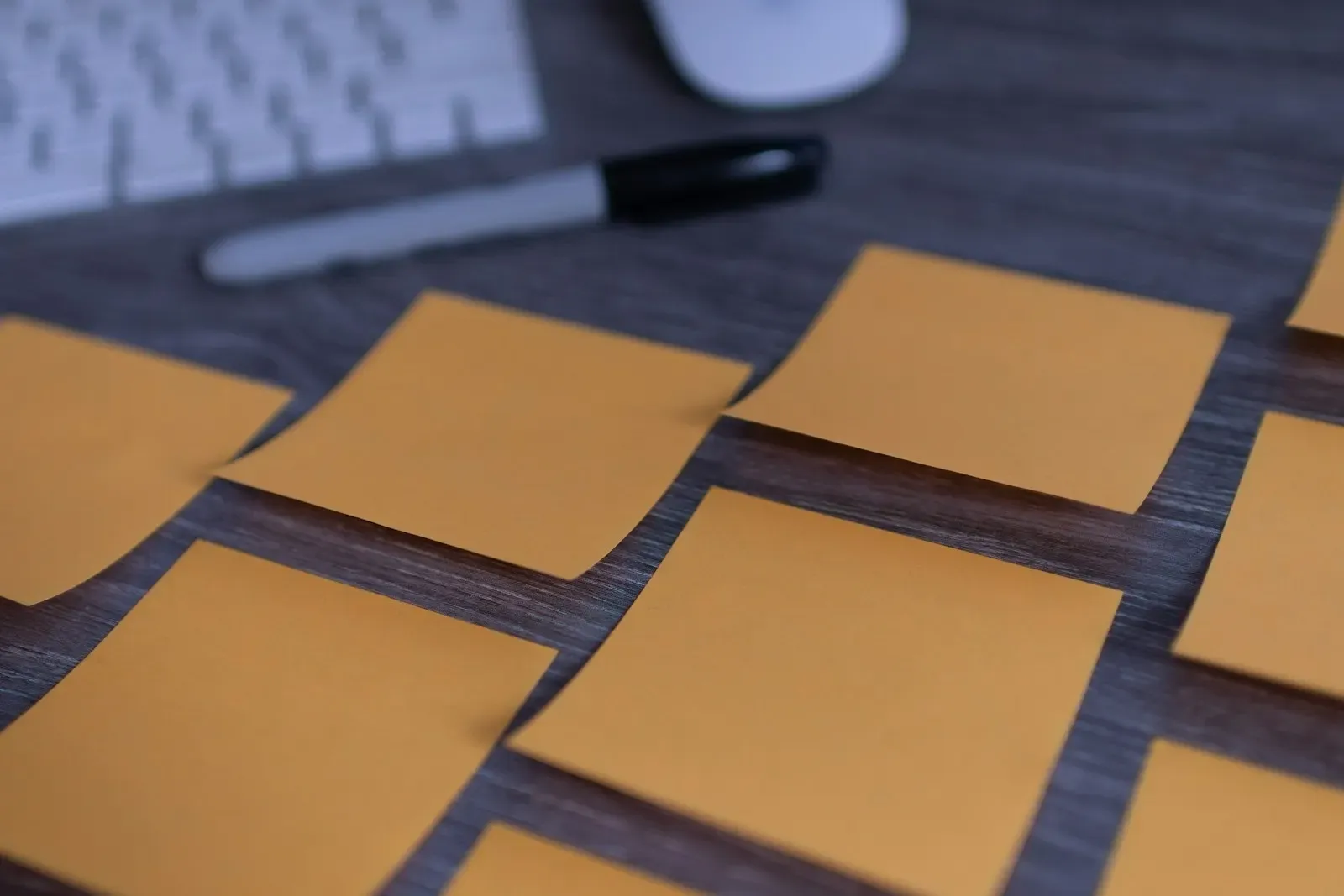
Sticky notes laid out on a desk during a design session

One week

Start With a UX Audit

We review your product against usability heuristics and accessibility checks, watch real users try key tasks, and hand you a ranked list of fixes.

Book the UX Audit
(04)Why us

Why Teams Choose Sajal Tech for UI/UX Design

TestedBefore developmentEvery key flow is put in front of real users as a prototype, so problems are fixed in Figma, not in code.
  • WCAG 2.2AA by defaultAccessibility is part of the design brief, not a late audit, which avoids costly retrofits and legal risk.
  • Same teamDesign and engineeringOur designers sit with our engineers, so what gets designed is buildable and what gets built matches the design.
  • 100%Design file ownershipFigma files, research recordings and the design system are transferred to your workspace.
[ Tools ]

Design and Research Tools We Use

Industry-standard tools your in-house team can pick up without retraining after handover.

Design

  • Figma
  • FigJam
  • Figma Dev Mode
  • Adobe Illustrator
  • Spline

Prototyping and Motion

  • Figma Prototyping
  • ProtoPie
  • Framer
  • Lottie
  • Rive

Research and Testing

  • Maze
  • Lookback
  • Hotjar
  • Optimal Workshop
  • Dovetail

Accessibility

  • axe DevTools
  • WAVE
  • Stark
  • VoiceOver
  • NVDA

Design to Code

  • Storybook
  • Tokens Studio
  • Tailwind CSS
  • Zeroheight
[ Pricing ]

What UI/UX Design Costs

Indicative starting prices. A free 30-minute call gets you a fixed quote based on screens, research depth and platforms.

  • UX audit

    An expert review of your existing product with prioritized fixes and quick wins.

    From

    $1,500

    1 to 2 weeks

    • Heuristic evaluation
    • Analytics review
    • WCAG 2.2 spot check
    • Prioritized action plan
  • Product design

    Research, prototyping, testing and UI for a new product or major feature.

    From

    $6,000

    4 to 8 weeks

    • User research
    • Figma prototype
    • Two usability test rounds
    • Dev-ready UI screens
  • Design system

    A documented component library and tokens for teams running several products.

    From

    $12,000

    6 to 10 weeks

    • Component and token audit
    • Figma library
    • Code component mapping
    • Usage guidelines
[ FAQ ]

UI/UX Design Questions

Still deciding? A 30-minute call usually answers the rest.

Ask Us Directly
  • A UX audit of an existing product starts at $1,500, product design for a new product or major feature from $6,000, and a full design system from $12,000. Cost depends on the number of screens, platforms and how much research and testing you need.

  • An audit takes 1 to 2 weeks. Designing a new product with research and testing usually takes 4 to 8 weeks, and engineering can start on approved flows before the last screens are finished.

  • Both. You can hire us for design alone and hand off to your own developers, or have our engineers build what we design. Keeping both in one team usually shortens handoff and reduces back-and-forth.

  • We review your product against usability heuristics, study analytics and session recordings, check key screens against WCAG 2.2, and walk through core tasks as a new user would. You get a ranked list of issues with recommended fixes and an estimate of effort for each.

  • We recruit five to eight users who match your target audience, give them realistic tasks on a prototype or live product, and record the sessions. Findings are grouped by severity, and we update the design and retest when needed.

  • WCAG 2.2 is the current web accessibility standard, covering contrast, keyboard use, focus visibility, target sizes and more. Many enterprise and public sector buyers require AA conformance, and accessibility laws in the US and EU are increasingly enforced. Designing for it from the start costs far less than retrofitting.

  • If you have more than one product, several designers, or a fast-growing frontend team, a design system pays off quickly by keeping interfaces consistent and speeding up builds. For a single early-stage product, a lighter component library is usually enough.

  • Yes. We redesign in stages, test changes with existing users and roll out behind feature flags where possible. Familiar patterns stay in place unless research shows they are causing problems.

  • You do. Figma files, prototypes, research notes and recordings move to your workspace, and we can work inside your Figma organization from the first day.

[ Contact ]

Let's build your next product together

Book a free strategy call and leave with a clear plan and estimate. No commitment.

  1. 01Pick a time that suits you
  2. 0230 minutes on scope, stack, timeline and budget
  3. 03Fixed-price proposal, NDA on request
Prefer email? contact@sajaltech.com