
[ AI Chatbot Development ]
Chatbots That Answer Correctly or Hand Off Cleanly
We build support and sales assistants that answer from your own help center, policies and order data, on your website, WhatsApp and Slack. When a question needs a person, the bot passes the full conversation to your team instead of guessing.
- Starting price for the AI Chatbot Starter
- $1,500
- Starting price for the AI Chatbot Starter
- Weeks to a help center bot, soft launch included
- 2 to 4
- Weeks to a help center bot, soft launch included
- Our reply time to project inquiries
- 3 hours
- Our reply time to project inquiries
- Ownership of bot, prompts and content
- 100%
- Ownership of bot, prompts and content
Chatbots That Carry Real Conversations
A good chatbot owns a clear job. These are the jobs we build them for most often.
 01
Help center and FAQ deflection
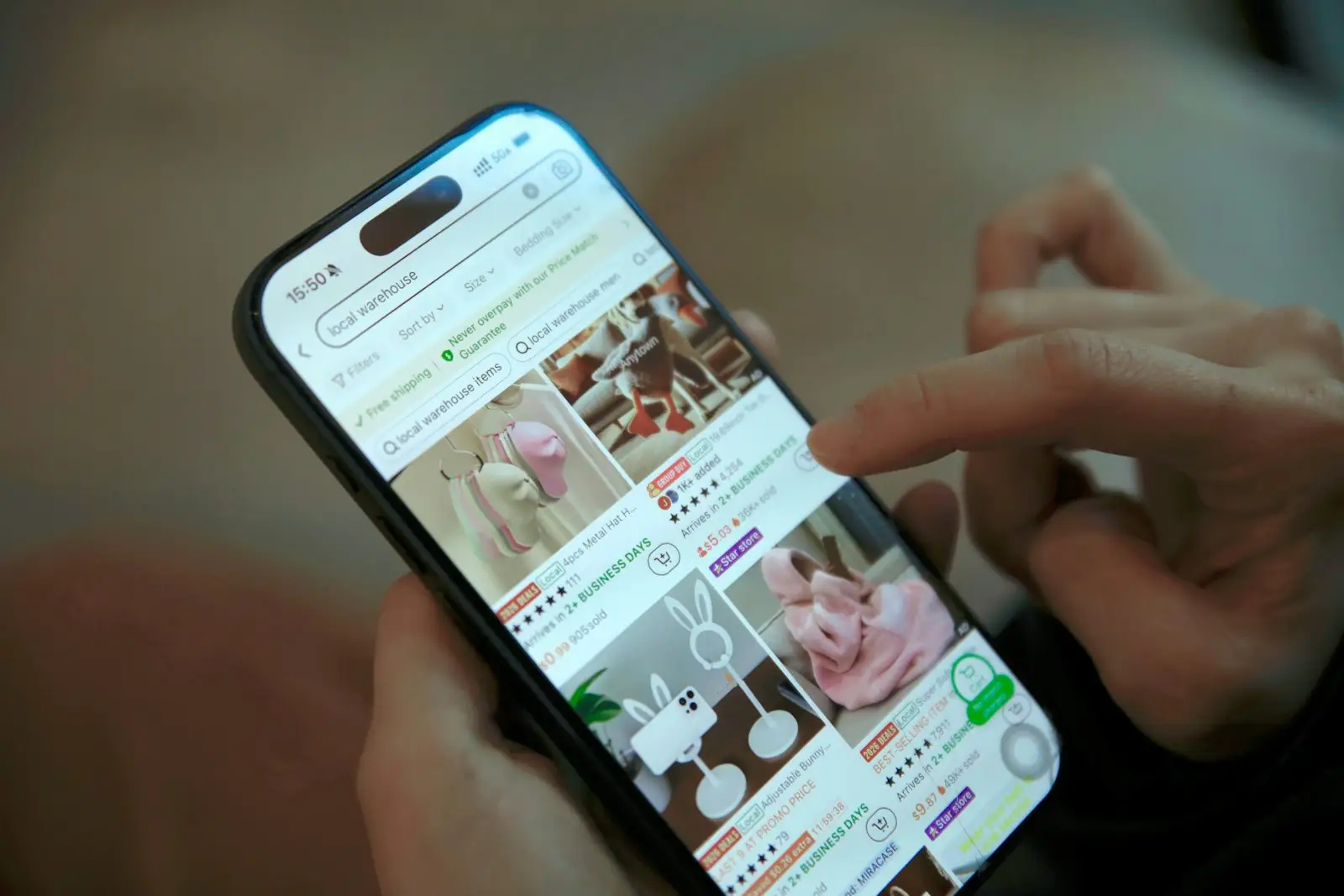
A website or in-app assistant that answers product, billing and policy questions from your help articles, citing the source and linking to it.
Fewer repeat tickets for your support team
 02
Order and account self-service
Order status, returns, address changes and subscription updates handled in chat by looking up the customer's records with verified identity.
Routine requests resolved without an agent
 03
Lead qualification and booking
A sales assistant that asks qualifying questions, answers pricing and feature questions, scores the lead in your CRM and books a call on the right rep's calendar.
Warm leads captured outside office hours
 04
WhatsApp and messaging commerce
Product discovery, cart reminders, delivery updates and reorders over WhatsApp Business, with approved templates for outbound messages.
Sales conversations where customers already are
 05
Internal helpdesk on Slack or Teams
An employee assistant that answers HR, IT and policy questions from your internal wiki, opens tickets and routes requests to the right owner.
Less time answering the same internal questions
 06
Onboarding and product guidance
In-app guides that explain features, walk new users through setup and answer how-to questions with screenshots from your docs.
Faster activation for new customers
What Goes Into a Chatbot People Trust
Accuracy, tone and a clean handoff matter more than clever replies. We engineer each of these deliberately.
- 01
RAG over your help center
Hybrid keyword and vector search across articles, PDFs and policies, with reranking and source citations in every answer.
- 02
Live data lookups
Secure connections to your order system, CRM, booking tool or billing platform so the bot answers with account-specific facts.
- 03
Omnichannel deployment
One brain behind a web widget, mobile SDK, WhatsApp, Instagram, Slack and Teams, with channel-specific formatting.
- 04
Human handoff
Rules and intent detection that pass the chat to Zendesk, Intercom, Freshdesk or HubSpot agents with a summary, so customers never repeat themselves.
- 05
Booking and forms in chat
Calendar booking, lead forms and structured data capture inside the conversation, written straight to your CRM.
- 06
Multilingual answers
Replies in the customer's language from a single knowledge base, with glossary control for product and brand terms.
- 07
Conversation analytics
Resolution rate, handoff reasons, unanswered questions and CSAT, so you know which help articles to write next.
- 08
Guardrails and moderation
Topic limits, prompt-injection filters, PII masking and refusal rules that keep the bot on task and on policy.
How Our Chatbots Are Built
Channels, conversation logic and knowledge are separate, so you can add WhatsApp next quarter without rebuilding the bot.
Channels
Every place customers or employees start a conversation.
- Web widget
- WhatsApp Business
- Slack and Teams
- Mobile SDK
- Instagram DM
Conversation engine
Manages dialog state, intents, identity checks and handoff rules.
- Dialog manager
- Intent router
- Handoff rules
- Session memory
Knowledge and data
What the bot can read to answer accurately.
- Help center index
- Policy documents
- Order and CRM APIs
- Reranker
Agent desk and analytics
Where humans pick up chats and teams review performance.
- Zendesk or Intercom
- HubSpot or Salesforce
- Analytics dashboard
- Transcript review
Conversational AI We Have Shipped
Products where users talk to an AI assistant as part of the core experience.
- Consultations
- 50k+AI consultations completed on the platform
- Response
- <2 minfrom first message to a structured assessment
- Return users
- 46%come back within 30 days for a new question
- Records
- 3.2xmore reports uploaded per user after family profiles launched
Digital health
Healthzy
An AI health companion that knows your records, reads your reports and gives clear guidance in under two minutes.
- Consultations
- 50k+
- AI consultations completed on the platform
- Response
- <2 min
- from first message to a structured assessment
- Return users
- 46%
- come back within 30 days for a new question
Models and Platforms Behind Our Bots
Most chatbots run on a fast, low-cost model for routine turns and a stronger model for complex questions.
Language models
- OpenAI GPT
- Claude
- Gemini
- Llama
Retrieval
- pgvector
- Pinecone
- Elasticsearch
- Cohere Rerank
- LlamaIndex
Channels and messaging
- WhatsApp Cloud API
- Slack Bolt
- Microsoft Bot Framework
- Twilio
Helpdesk and CRM
- Zendesk
- Intercom
- Freshdesk
- HubSpot
- Salesforce
Quality
- Ragas
- Promptfoo
- Langfuse
- LangSmith
A Bot That Represents You Well
Customers judge your brand by every reply. These checks keep the bot accurate, polite and compliant.
01Grounded or silent
If retrieval finds no reliable source, the bot says so and offers a human instead of inventing an answer. Low-confidence replies are logged for review.
02Answer quality testing
A test set of real customer questions scores answer accuracy, faithfulness to sources and handoff correctness on every content or prompt change.
03Identity and privacy
Account lookups need verification, PII is masked in logs, and data is handled to GDPR and regional rules with retention you control.
04Channel compliance
WhatsApp opt-ins, approved message templates, AI disclosure and opt-out handling are configured to each platform's policies.
Launching Your Chatbot
Simple bots launch in days. Bots with account lookups and several channels follow the same path with more integration time.
- 012 to 4 days
Content and flow audit
Review top ticket reasons and help articles, find content gaps, and agree which questions the bot answers and which go to people.
- Scope and handoff rules
- Content gap list
- 021 to 2 weeks
Build and train
Index your content, connect data sources, write the persona and guardrails, and test against a set of real past questions.
- Working bot
- Answer accuracy report
- 031 week
Soft launch
Release to a share of traffic or one channel, review transcripts daily and tune answers and handoff thresholds.
- Live bot
- Transcript review notes
- 04Ongoing
Expand channels
Add WhatsApp, Slack or new languages, fill content gaps from unanswered questions and report resolution rate monthly.
- New channels
- Monthly analytics
AI Chatbot Development Pricing
Indicative starting prices with a fixed quote after a free call. Model and messaging fees are billed to your accounts at cost.
Support and sales assistant
A bot with account lookups, lead capture and live agent handoff on two channels.
From
$6,000
3 to 5 weeks
- Order, CRM or booking lookups
- WhatsApp or Slack channel
- Live handoff to your helpdesk
- Analytics dashboard
AI Chatbot Starter
An AI assistant that answers from your documents, live on your website or web app, WhatsApp or Discord.
From
$1,500
1 week
- Knowledge base from your PDFs, docs and web pages
- Website or web app widget, WhatsApp or Discord
- Answers that cite their source
- Lead capture and CRM sync
Omnichannel assistant
One assistant across web, mobile, messaging and internal tools, in several languages.
From
$15,000
6 to 10 weeks
- All major channels
- Multilingual knowledge base
- Identity verification
- SSO, audit logs and evals
Chatbot Questions, Answered
How much does it cost to build an AI chatbot?
The AI Chatbot Starter package runs $1,500 to $2,500 for an assistant on your website or web app, WhatsApp or Discord, live in about a week. Assistants with account lookups and live handoff start around $6,000, and omnichannel assistants from $15,000. Model usage typically costs a fraction of a cent to a few cents per conversation.
How fast can a chatbot go live?
The AI Chatbot Starter goes live in about a week. A larger help center bot takes 2 to 4 weeks, including a week of soft launch. Adding order or CRM lookups, WhatsApp and live handoff usually takes 3 to 5 weeks including a soft launch.
Will the chatbot make up answers?
It answers from your indexed content and data, cites the source, and is instructed to say it does not know when retrieval finds nothing reliable. We test faithfulness on real questions before launch and review low-confidence replies afterward.
Can it hand conversations over to our support team?
Yes. The bot transfers to Zendesk, Intercom, Freshdesk, HubSpot or a Slack channel with a summary and the full transcript, triggered by customer request, intent, sentiment or value rules you set.
Do you build WhatsApp chatbots?
Yes. We use the official WhatsApp Business Cloud API, set up message templates and opt-in flows, and connect the bot to your catalog, orders or bookings. Meta charges per conversation, and that fee goes directly to your account.
How does the bot stay current when our help articles change?
Your help center is re-indexed automatically on a schedule or when an article is published. Policy changes show up in answers within minutes, without retraining a model.
Can it handle several languages?
Yes. Modern models answer well in most major languages from a single English knowledge base, and we add a glossary so product names and terms stay consistent.
How do we know the chatbot is working?
You get a dashboard with resolution rate, handoff rate and reasons, unanswered questions and CSAT. We review it with you monthly and turn the top unanswered questions into new content.
Is customer data safe?
Account lookups need verification, logs mask personal data, and model endpoints are set to zero retention. We are ISO 27001 certified and can host in your cloud or region.
Let's build your next product together
Book a free strategy call and leave with a clear plan and estimate. No commitment.
- 01Pick a time that suits you
- 0230 minutes on scope, stack, timeline and budget
- 03Fixed-price proposal, NDA on request