[ Low-Code and No-Code ]
Internal Tools and Apps Shipped in Weeks
We build admin panels, portals and mobile apps on low-code platforms, with AI features and custom code where the platform runs out. We also tell you plainly when a custom build is the better choice.
- Core platforms from Retool to Softr
- 6
- Core platforms from Retool to Softr
- Typical time to a first internal tool
- 3 weeks
- Typical time to a first internal tool
- Lower cost than a full custom build
- Up to 50%
- Lower cost than a full custom build
- Average client rating
- 4.9/5
- Average client rating
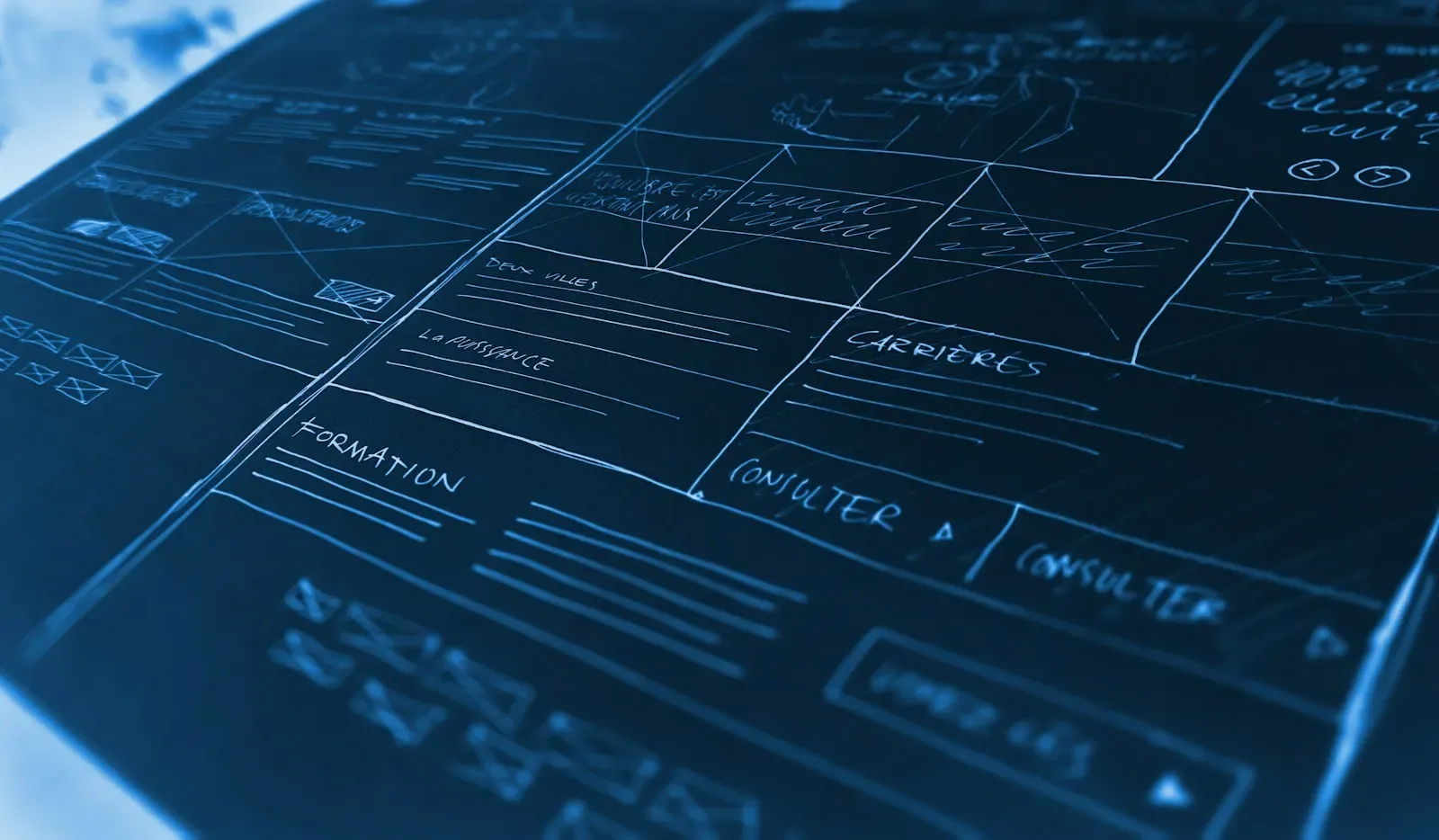

What Teams Build With Low-Code
Low-code fits best when the users are known, the data model is clear and speed matters more than pixel-level control.
- 01
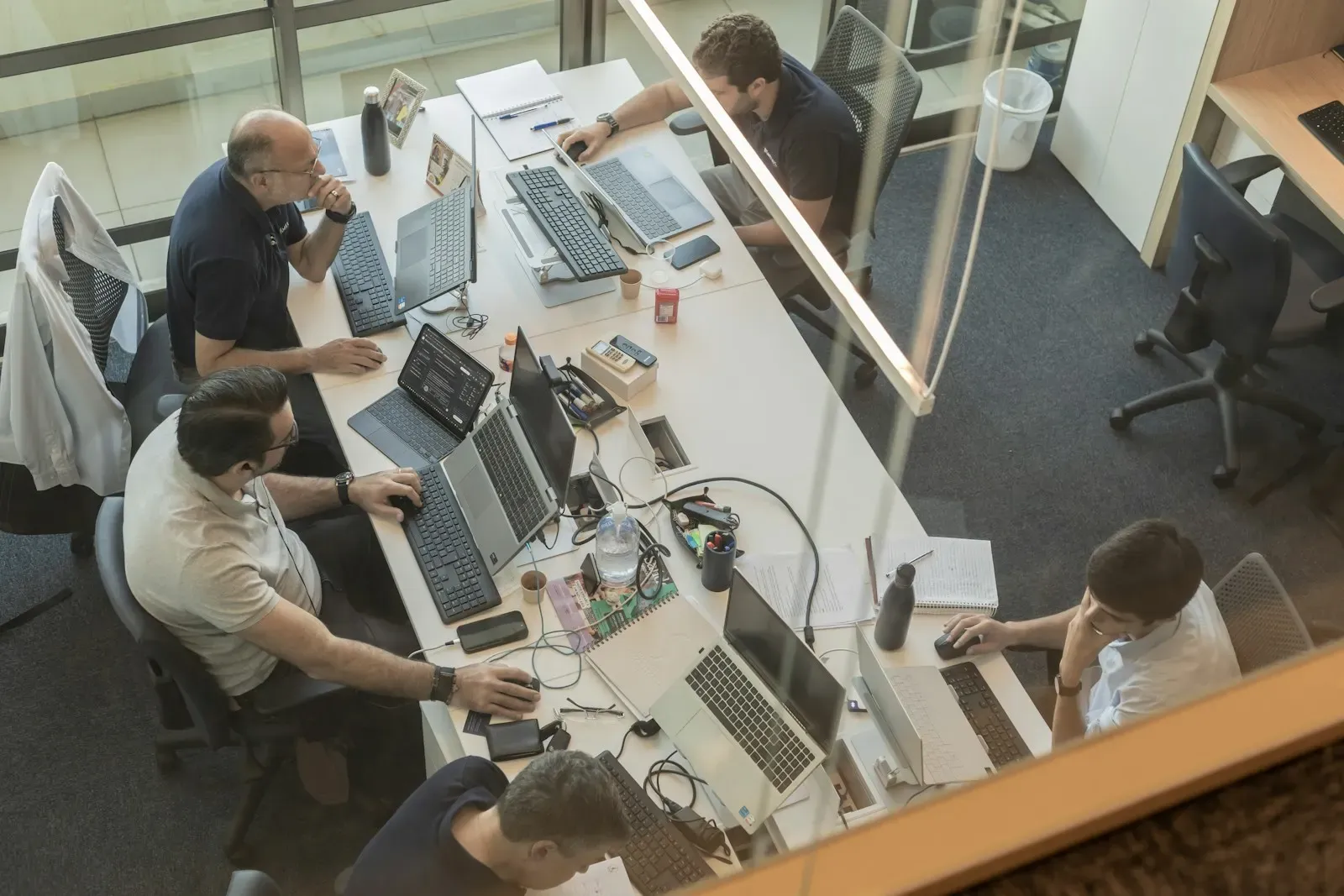
Operations and admin consoles
Retool or Appsmith panels on top of your database and APIs, so support and ops teams can look up, edit and approve records without engineering tickets.
Engineers stop building one-off admin screens
- 02

Client and partner portals
Softr or Bubble portals where customers, vendors or franchisees log in, see their data, upload files and submit requests.
A branded portal live in weeks instead of months
- 03
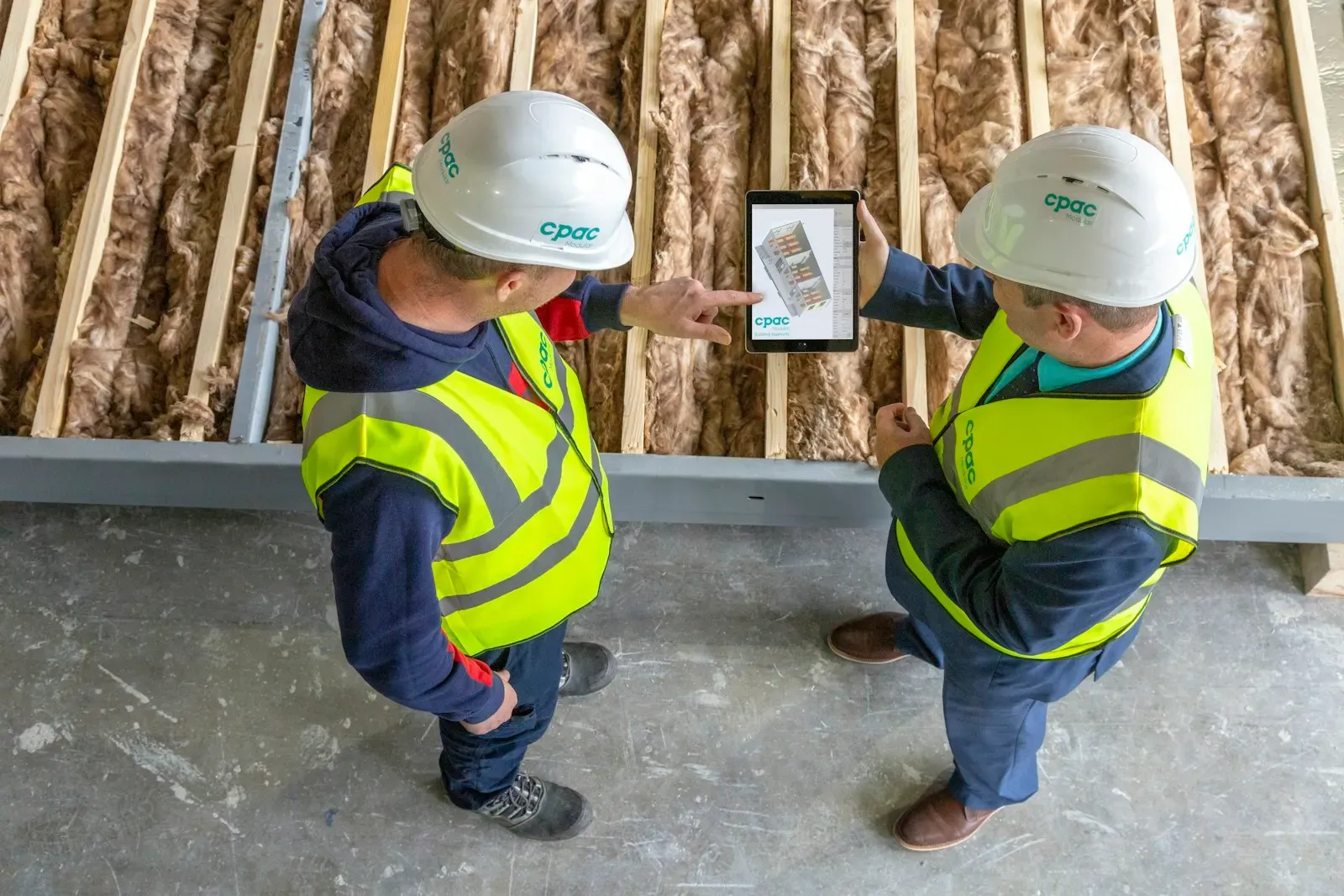
Field and mobile apps
FlutterFlow or Power Apps for inspections, deliveries and site visits, with offline forms, photos, signatures and GPS.
Paper forms replaced by synced mobile data
- 04
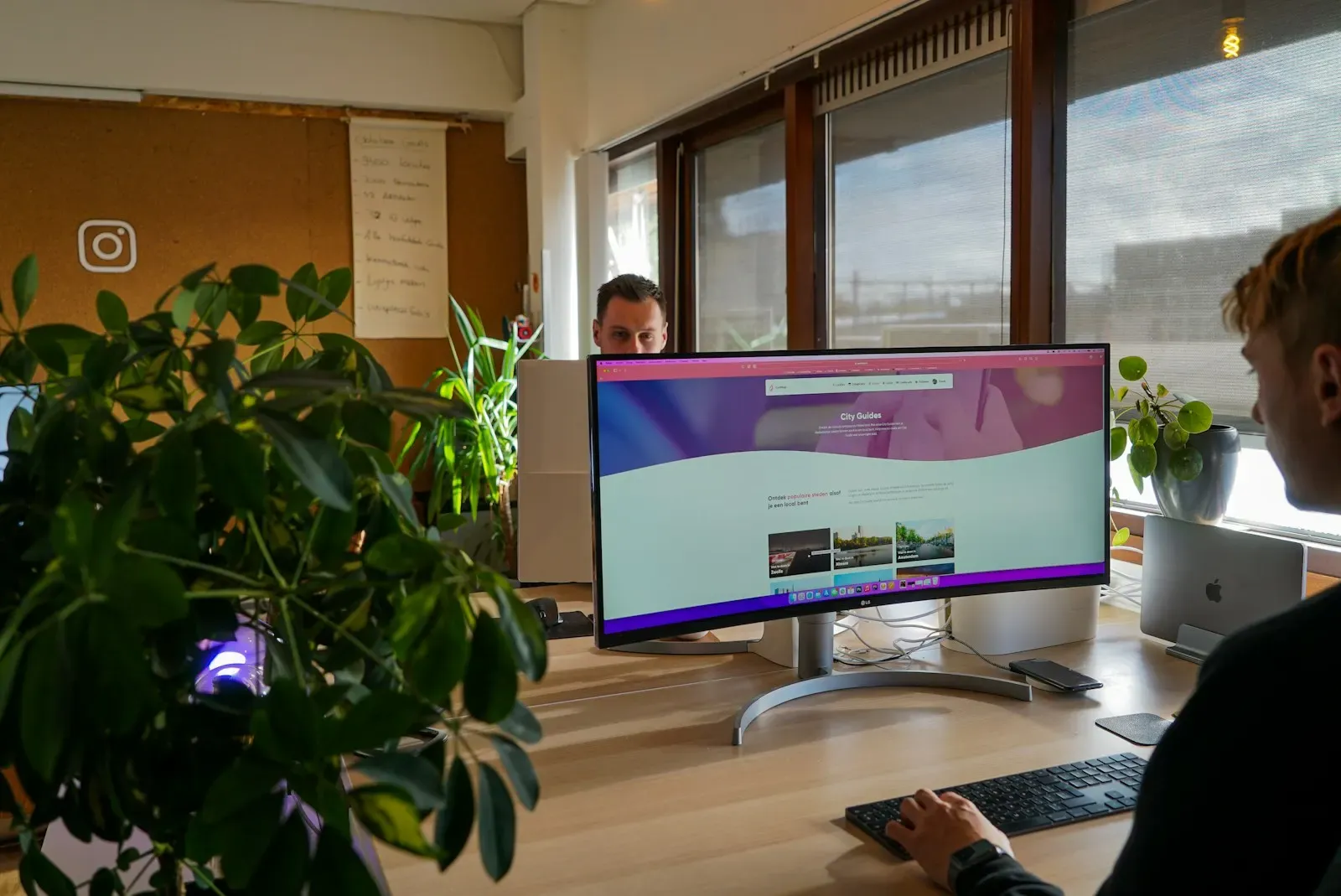
Microsoft 365 business apps
Power Apps and Power Automate solutions on SharePoint and Dataverse for approvals, requests and asset tracking inside your tenant.
Apps that fit your existing Microsoft licenses and security
- 05

Marketplace and SaaS MVPs
Bubble or FlutterFlow MVPs with payments, user roles and AI features, built to test demand before a custom rebuild.
Real users and revenue data before a big build
- 06
Airtable-based operations
Structured Airtable bases with interfaces, automations and AI fields that replace sprawling spreadsheets for content, inventory or hiring.
One source of truth instead of ten spreadsheets
How a Low-Code App Is Structured
We keep data and business logic outside the builder where possible, so the interface can change platforms without losing the core.
In the platform
Easy to change, and replaceable if you outgrow the builder.
Interface
Screens your users interact with.
- Retool
- Bubble
- FlutterFlow
- Softr
- Power Apps
Logic and automation
Workflows, validations and scheduled jobs.
- Platform workflows
- Power Automate
- n8n
- Serverless functions
Owned by you
Kept outside the builder wherever it fits, so it moves with you.
AI services
Model calls for features inside the app.
- LLM API
- Embeddings search
- Document extraction
Data
Where records live, ideally on a database you own.
- Supabase
- PostgreSQL
- Airtable
- Dataverse
Identity and access
Who can sign in and what they can see.
- SSO
- Row-level security
- Role-based views
- Audit log
What We Add Beyond Drag and Drop
Low-code apps stay useful when they are designed like real software. That is where senior engineers make the difference.
Talk to a Senior EngineerAI features inside the app
Summaries, smart search, document extraction, chat over your data and draft generation, wired through platform AI blocks or your own model API.
Clean data modeling
Normalized tables, relations and indexes in Postgres, Dataverse or Airtable, so the app does not slow down as records grow.
Custom code where needed
JavaScript transformers, custom widgets, Bubble plugins and backend functions for logic the visual builder cannot express.
Integrations
REST and GraphQL connectors to your CRM, ERP, payments and internal APIs, with error handling and retries.
Roles and permissions
Row-level security, role-based views and SSO, so each user sees only the data and actions they should.
Performance tuning
Paginated queries, caching and workload limits that keep Bubble and Retool apps fast under real usage.
Build versus buy advice
A clear view of license cost, vendor lock-in, scale limits and team skills before you commit to a platform.
Migration paths
Clean exports and API-first design, so moving to a custom build later reuses your data and logic instead of starting over.

Two to four days
A Fit Check Before You Pick a Platform
We map your users, data and integrations, then tell you which builder fits, what it will cost in licenses and where custom code will be needed.
Book a Fit CheckPlatforms We Build On
We are not resellers for any platform. We pick based on your users, data rules, budget and who will maintain the app.
Internal tools
- Retool
- Appsmith
- Budibase
- ToolJet




Web apps and portals
- Bubble
- Softr
- WeWeb
- Glide




Mobile
- FlutterFlow
- Power Apps
- Adalo
- Glide

Data and backend
- Airtable
- Supabase
- Xano
- Dataverse
- Firebase

Automation
- Power Automate
- n8n
- Make
- Zapier
AI features
- OpenAI GPT
- Claude
- Gemini
- Airtable AI
- Copilot Studio
How We Deliver a Low-Code Project
Short cycles, because the main advantage of low-code is how fast real users can try it.
2 to 4 days
Fit check
Review users, data, integrations and scale, then recommend a platform or advise a custom build if low-code is the wrong fit.
- Platform recommendation
- Cost comparison
- Fixed quote
1 to 2 weeks
Clickable build
Data model, core screens and main workflow built on the chosen platform and put in front of real users.
- Working app on staging
- User feedback log
1 to 3 weeks
Complete and harden
Integrations, AI features, permissions, performance tuning and testing, then launch to all users.
- Production app
- Admin guide
Monthly
Support and evolve
New screens and workflows, platform updates and a clear signal when the app has grown enough to justify custom code.
- Change log
- Scale review
Keeping Low-Code Apps Safe and Maintainable
Speed should not create shadow IT. These practices keep platform apps secure and supportable.
- 01
Platform security review
We check hosting region, SOC 2 or ISO reports, data retention and SSO support before recommending a platform for sensitive data.
- 02
Data you control
Where it fits, data lives in a database you own rather than inside the builder, which limits lock-in and simplifies backups.
- 03
Controlled AI features
AI calls go through server-side workflows with your keys, masked inputs and usage limits, never directly from the browser.
- 04
Change management
Separate development and production environments, versioned releases and a named owner for every app we hand over.
Teams Who Shipped Faster With Us
Rated 4.9/5 on average across the platforms clients review us on.
 Clutch5.0
 GoodFirms5.0
- Google5.0
- Upwork4.9
I had the pleasure of working with Sajal Tech on a travel website, and it was an incredible experience from start to finish. They demonstrated professionalism, clear understanding of requirements, and excellent communication throughout.
Low-Code Apps by Industry
The same builders, shaped around very different users and data.

Construction and field services
Inspection, punch list and site diary apps that work offline and sync photos, signatures and GPS when the crew is back in range.
- Site inspections
- Daily reports
- Equipment checks

Real estate
Tenant and buyer portals, maintenance requests and agent dashboards on top of the property data you already keep.
- Tenant portals
- Maintenance requests
- Listing admin

Retail
Store operations apps for stock counts, visual merchandising checks and staff requests, built on the platforms your teams already use.
- Stock counts
- Store audits
- Staff requests
What Low-Code Development Costs
Indicative starting prices. Platform licenses are billed to you directly, and we include them in the cost comparison.
Internal tool
One admin panel or workflow app on Retool, Airtable or Power Apps.
From
$2,500
2 to 3 weeks
- Platform fit check
- Up to 8 screens
- Two data integrations
- 30 days of support
Portal or mobile app
A client-facing portal or mobile app with roles, payments or AI features.
From
$8,000
4 to 6 weeks
- Bubble, Softr or FlutterFlow build
- User roles and SSO
- One AI feature
- Custom code where needed
Low-code platform program
A set of governed apps across departments on a shared data layer.
From
$20,000
2 to 4 months
- Shared data model
- Several connected apps
- Environments and release process
- Team training
Low-Code Questions
Low-code fits internal tools, portals and MVPs with a known user base and standard workflows. Go custom when you need unusual UX, heavy real-time features, strict performance at scale, or when license costs per user would exceed the cost of building. We give you both options with numbers in the fit check.
No-code tools like Softr, Glide and Airtable are built for configuration without code. Low-code tools like Retool, FlutterFlow and Power Apps allow custom code for logic and components. We cover both in one service because most real projects use a mix of the two.
Retool for internal tools over your database, Bubble for web apps and marketplaces, FlutterFlow for mobile apps that may later need exported Flutter code, Power Apps if you are on Microsoft 365, and Airtable or Softr for lightweight operations and portals.
Yes. We add summaries, chat over your data, document extraction, classification and smart search, either with built-in platform AI blocks or by calling GPT, Claude or Gemini from a server-side workflow with your own API keys.
Partly, and we are open about it. We reduce lock-in by keeping data in a database you own, putting business logic in APIs where it makes sense and choosing platforms with code export, such as FlutterFlow, when portability matters.
Internal tools with hundreds of users scale well. Consumer apps with large traffic can hit platform limits on workload, query speed or cost. We design for your expected scale and flag the point where a custom build becomes cheaper.
You own your data, workflows, custom code and the platform account, which is set up in your name. The platform itself is licensed, so the app runs under that vendor's terms.
Yes. We start with a short audit of the data model, workflows and performance, fix the urgent issues and then continue development or plan a migration if the app has outgrown the platform.
Let's build your next product together
Book a free strategy call and leave with a clear plan and estimate. No commitment.
- 01Pick a time that suits you
- 0230 minutes on scope, stack, timeline and budget
- 03Fixed-price proposal, NDA on request