[ AI Automation ]
Move Back-Office Work From Inboxes Into Pipelines
We automate the paperwork, inbox sorting and data entry that slow your operations team, using AI that reads documents the way your staff do. Low-confidence cases go to a person, so accuracy stays high while volume grows.
- Certified handling of business data
- ISO 27001
- Certified handling of business data
- Starting price for an audit and first build
- $2,500
- Starting price for an audit and first build
- Weeks to a working first automation
- 2
- Weeks to a working first automation
- Of support after go-live
- 30 days
- Of support after go-live

- Invoices
- Receipts
- Purchase orders
- Bills of lading
- Packing lists
- Customs forms
- KYC documents
- Certificates
- Claims
- Refund requests
Back-Office Work AI Handles Well Today
Good candidates have high volume, semi-structured inputs and a person who currently copies data from one screen to another.
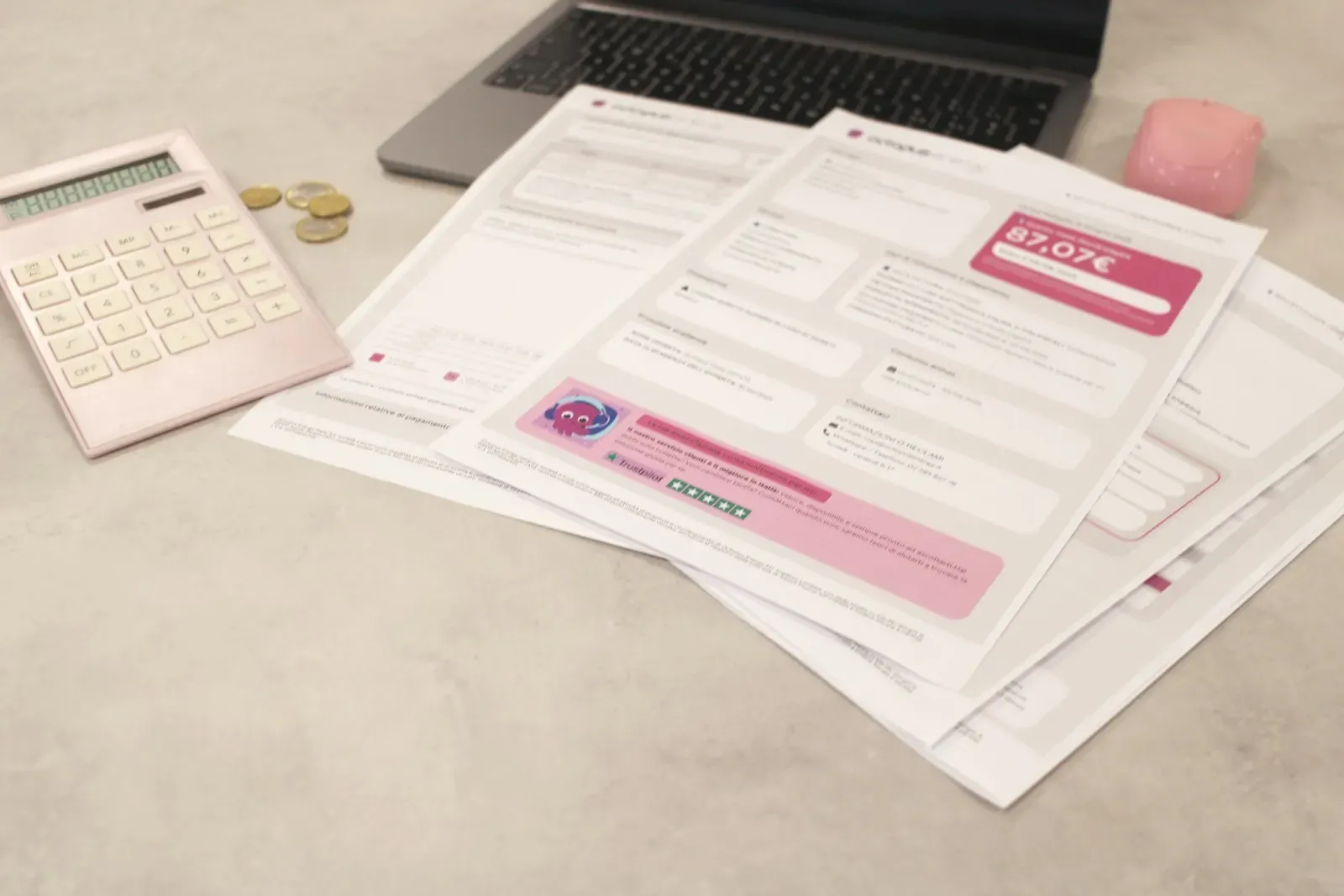
Invoice and receipt processing
Extract vendor, line items, tax and totals from PDFs and phone photos, match them to purchase orders and post drafts to your ERP or accounting tool.
AfterAP clerks review exceptions instead of typing every invoice

Shared inbox triage
Classify incoming email by intent and urgency, pull out order numbers or claim IDs, draft a reply and route it to the right queue in your helpdesk.
AfterRequests land with the right owner within minutes
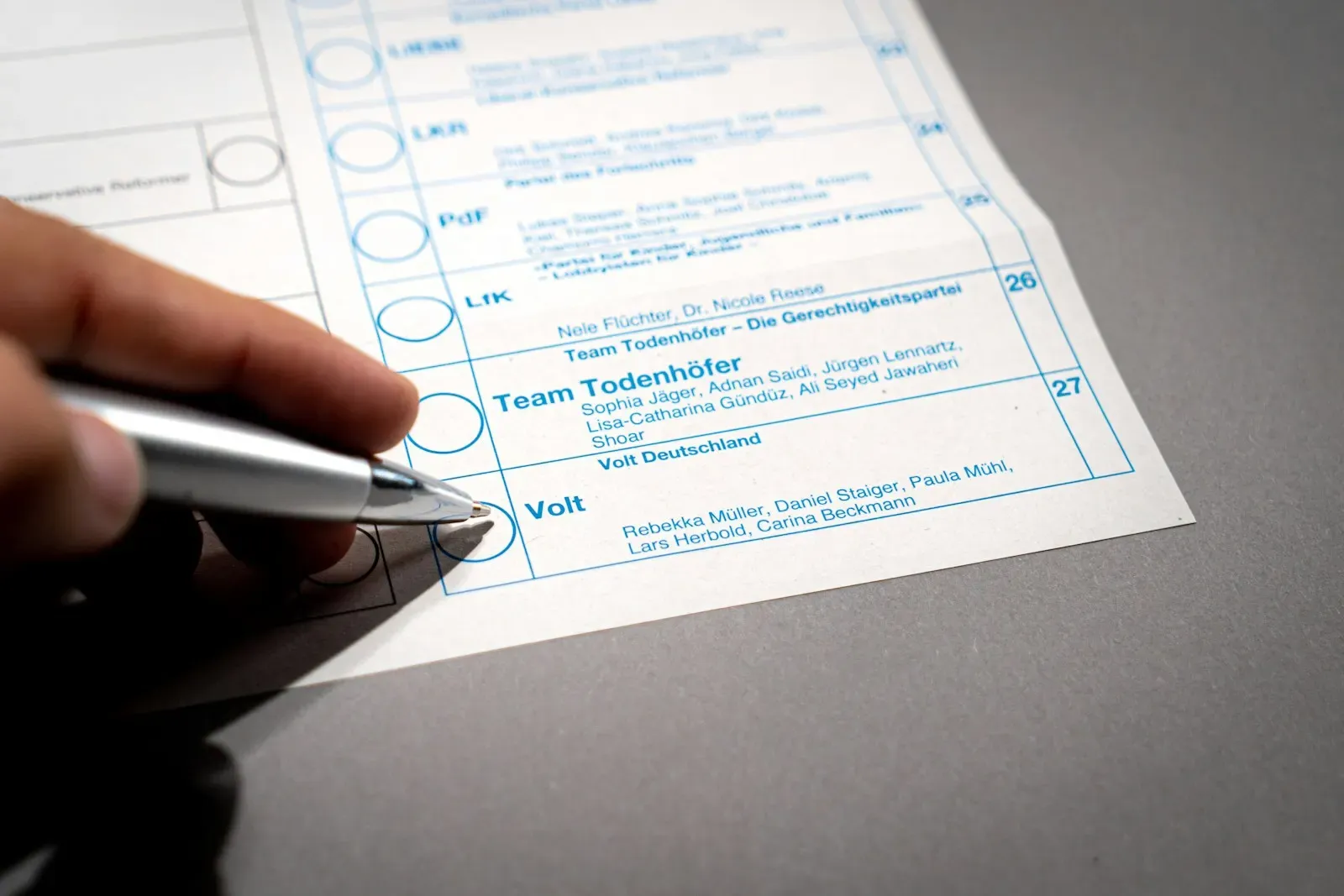
Customer and vendor onboarding
Read KYC documents, certificates and signed forms, check them against your rules and create the account record once everything is complete.
AfterOnboarding stops waiting on manual document checks

Logistics paperwork
Bills of lading, packing lists and customs forms parsed into structured shipments, with mismatches between documents flagged before they cause delays.
AfterFewer shipment holds caused by data entry errors

Claims and refund requests
Gather the evidence from emails and attachments, check eligibility against policy and prepare a decision pack for an approver to sign off.
AfterApprovers decide from one screen with the evidence attached
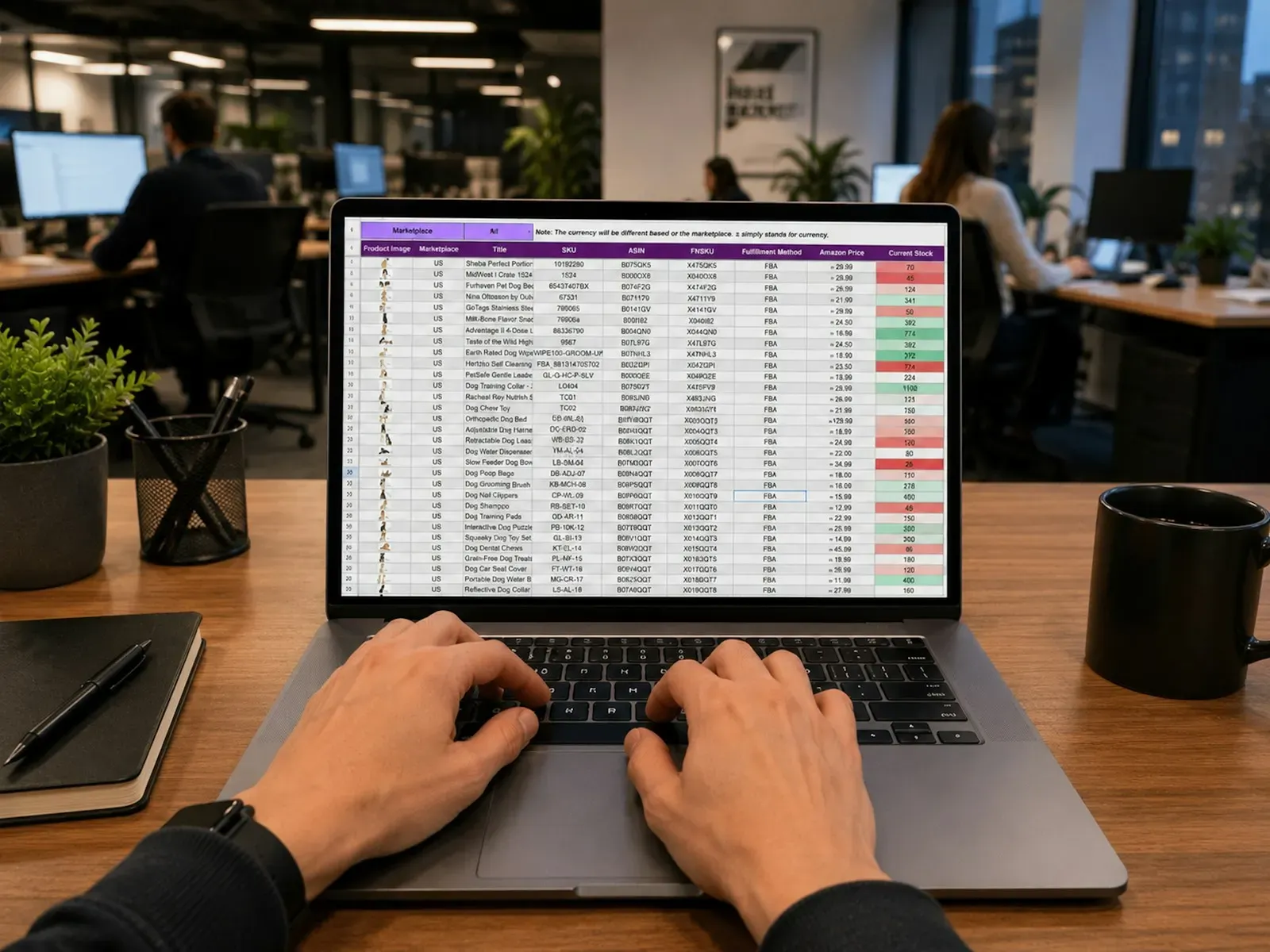
Data entry and record clean-up
Move data from spreadsheets, forms and legacy screens into your CRM or ERP, normalize names and addresses, and merge duplicates with a review step.
AfterCleaner master data without a temporary data entry team
People Check Only the Uncertain Fields
Each field carries a confidence score. Above your threshold it flows straight through, below it a person checks only the uncertain fields.
3 of 6 fields go straight through. 3 wait for a person.
Example: supplier invoice
Illustrative values
- Vendor nameNorthwind Supplies99%AutoStraight through
- Invoice numberINV-2041898%AutoStraight through
- Invoice total4,280.0096%AutoStraight through
- PO numberPO-773188%ReviewTo review
- Due date14 Nov81%ReviewTo review
- Tax IDSmudged on scan62%ReviewTo review
What Goes Into a Reliable Automation
Extraction is the easy part. Accuracy, exception handling and the hand-off to your systems decide whether an automation earns its keep.
- OCR and layout understandingVision-capable models and OCR engines that read scans, handwriting, tables and multi-page documents, not only clean digital PDFs.
- Schema-based extractionTyped output schemas with field-level validation, so a missing tax ID or a total that does not add up is caught before posting.
- Confidence thresholdsEach field carries a confidence score. Above your threshold it flows straight through, below it a person checks only the uncertain fields.
- Review queueA simple web screen where reviewers see the source document beside the extracted data, correct it and approve in a few clicks.
- Learning from correctionsReviewer edits feed back into prompts, few-shot examples and evaluation sets, so the same mistake becomes rarer each month.
- System write-backIdempotent writes to ERP, CRM, helpdesk and accounting tools through their APIs, with retries and a record of every change made.
- Business rule checksYour policies encoded as deterministic rules that run after the model, such as approval limits, duplicate detection and vendor allow lists.
- PII handlingSensitive fields masked in logs, documents stored in your cloud with retention rules, and model calls made on zero-retention endpoints.
Anatomy of a Document Automation Pipeline
Each stage is independent and observable, so you can swap an OCR engine or a model without touching the rest.
Intake
Where documents and messages enter the pipeline.
- Email inboxes
- SFTP and cloud folders
- Upload portal
- Scanner feeds
Understanding
Classifies each item and turns it into structured data.
- Document classifier
- OCR engine
- LLM extractor
- Output schemas
Validation
Checks extracted data against rules and source systems.
- Rule engine
- PO and master data lookups
- Confidence router
- Review queue
Systems of record
Where approved data is written and work is closed.
- ERP
- CRM
- Helpdesk
- Accounting
Monitoring
Tracks accuracy, throughput and cost across every batch.
- Field accuracy reports
- Straight-through rate
- Cost per document
- Audit log
Automation With Controls Your Auditors Accept
Finance and operations data needs a paper trail. These controls come standard on every pipeline.
Human review on low confidence
Anything below the agreed confidence level, or above a value limit, waits for a person. Thresholds are yours to tune.
Measured field accuracy
We score extraction field by field against a labeled sample of your real documents before launch and on every model or prompt change.
Traceable decisions
Every posted record links back to its source document, the extracted values, the rules applied and the reviewer who approved it.
Data residency and retention
Documents stay in your cloud region, with retention and deletion rules that match your finance and privacy policies.
Pick One Process. See It Working in Two Weeks.
We audit one high-volume process and build the first pipeline on your real documents in two weeks, then run it in shadow mode beside your team before anything posts.
Book a Process Audit
Automation Across Back Offices
The documents change by sector. The pattern of extract, check, review and post stays the same.

Accounts payable, onboarding and reconciliation work moved from manual keying into checked pipelines.
- Invoice capture to ERP
- KYC document checks
- Bank statement parsing
- Vendor master clean-up
FinTech and finance teams



What Clients Say About Working With Us
“I had the pleasure of working with Sajal Tech on a travel website, and it was an incredible experience from start to finish. They demonstrated professionalism, clear understanding of requirements, and excellent communication throughout.”
From Manual Process to Running Pipeline
We start with one document type or inbox, measure it, then add the next once the first is stable.
2 to 3 days
Process audit
Shadow the team, collect sample documents, measure current handling time and error rate, and rank candidates by payback.
- Automation shortlist
- Labeled sample set
- Fixed quote
1 to 2 weeks
First pipeline
Build intake, extraction, rules and the review screen for one process, tested against your labeled documents.
- Working pipeline
- Accuracy report
1 to 2 weeks
Shadow run
The pipeline runs beside your team on live volume. We compare results, tune thresholds and fix edge cases before switching over.
- Tuned thresholds
- Go-live checklist
Ongoing
Expand
Add new document types, inboxes and systems, and report straight-through rate and cost per item each month.
- New automations
- Monthly metrics
Tools We Use for AI Automation
We pick the lightest option that meets your accuracy target. Many pipelines pair a specialist OCR service with a general model for reasoning.
Models
- OpenAI GPT
- Claude
- Gemini
- Qwen Omni
Document AI
- Azure Document Intelligence
- AWS Textract
- Google Document AI
- Tesseract
- Docling



Orchestration
- n8n
- Temporal
- Python workers
- Celery
- AWS Step Functions

Systems we write to
- NetSuite
- SAP
- QuickBooks
- Xero
- Salesforce
- HubSpot
- Zendesk


Quality and tracing
- Langfuse
- Promptfoo
- OpenTelemetry
- Grafana


What AI Automation Costs
Indicative starting prices. You get a fixed quote after the process audit, with model and OCR usage estimated per document.
Automation Audit and Build
We map where your team loses hours, then build and hand over automations for the biggest ones.
From$2,500
2 weeks
- Workflow mapping with hours per task
- Integrations across your existing tools
- AI data extraction from documents
- Automated reports
Document processing suite
Most chosenSeveral document types with rules, ERP write-back and accuracy reporting.
From$10,000
5 to 8 weeks
- Up to 5 document types
- Rule engine and PO matching
- ERP or CRM integration
- Accuracy and cost dashboards
Operations automation program
A roadmap of automations across finance, support and operations teams.
From$25,000
3 to 6 months
- Multi-team process roadmap
- Shared extraction platform
- SSO and role-based review
- Monthly tuning and new flows
AI Automation Questions
Start where volume is high, inputs are semi-structured and errors are easy to check, such as invoices, order emails or onboarding forms. The audit at the start of our Automation Audit and Build package ranks your candidates by hours saved and build effort, so the first automation pays back quickly.
It depends on document quality and variety. We measure it field by field on a labeled sample of your own documents before launch, and set confidence thresholds so uncertain fields go to a reviewer instead of straight into your ERP.
RPA follows fixed screen steps and breaks when a layout changes. AI automation reads documents and messages by meaning, handles new layouts and free text, and still uses APIs or RPA bots for the final write when a system has no API.
Running cost is usually a few cents or less per page for OCR and model calls, depending on document length and the models used. We estimate it during the audit and route simple documents to cheaper models to keep it low.
Yes, within limits. Modern OCR and vision models read most scans and phone photos well, and printed handwriting reasonably. Very poor images are flagged for a person rather than guessed.
Any system with an API, including NetSuite, SAP, QuickBooks, Xero, Salesforce, HubSpot and Zendesk. For older systems without an API we can use file imports or a browser automation step.
Business rules and confidence checks catch most errors before posting. When a reviewer corrects a field, that correction is logged and used to improve prompts and test sets, so recurring mistakes are fixed rather than repeated.
In practice it changes the work. Staff stop retyping data and spend their time on exceptions, vendor issues and approvals, which is usually where their judgment matters most.
Documents stay in your cloud region, model calls use zero-retention enterprise endpoints, and sensitive fields are masked in logs. Our team works under ISO 27001 controls and signs an NDA on request.
[ Related AI services ]
Let's build your next product together
Book a free strategy call and leave with a clear plan and estimate. No commitment.
- 01Pick a time that suits you
- 0230 minutes on scope, stack, timeline and budget
- 03Fixed-price proposal, NDA on request