What is Figma Make?
Figma's AI tool for turning a design or a description into a working, interactive prototype inside Figma. It writes the code behind the prototype for you.

[ AI tools · App builders ]
Figma Make turns approved designs into working prototypes inside Figma: real inputs, state and transitions. Our designers use it to test flows with users before a line of production code is written.

Example prototype. Dashed boxes are the hotspots a tester taps.
Classic Figma prototypes link screens. Figma Make prototypes work: testers type, choose and get real responses. Drag the divider to compare the same screen.
Left: a static frame. Right: the same screen as a working prototype. Example.
The flows where a wrong guess is expensive to fix in code. Each card is the question a test answers.
Five sessions usually surface most of the problems in a flow. This is how we run them with a Figma Make prototype.
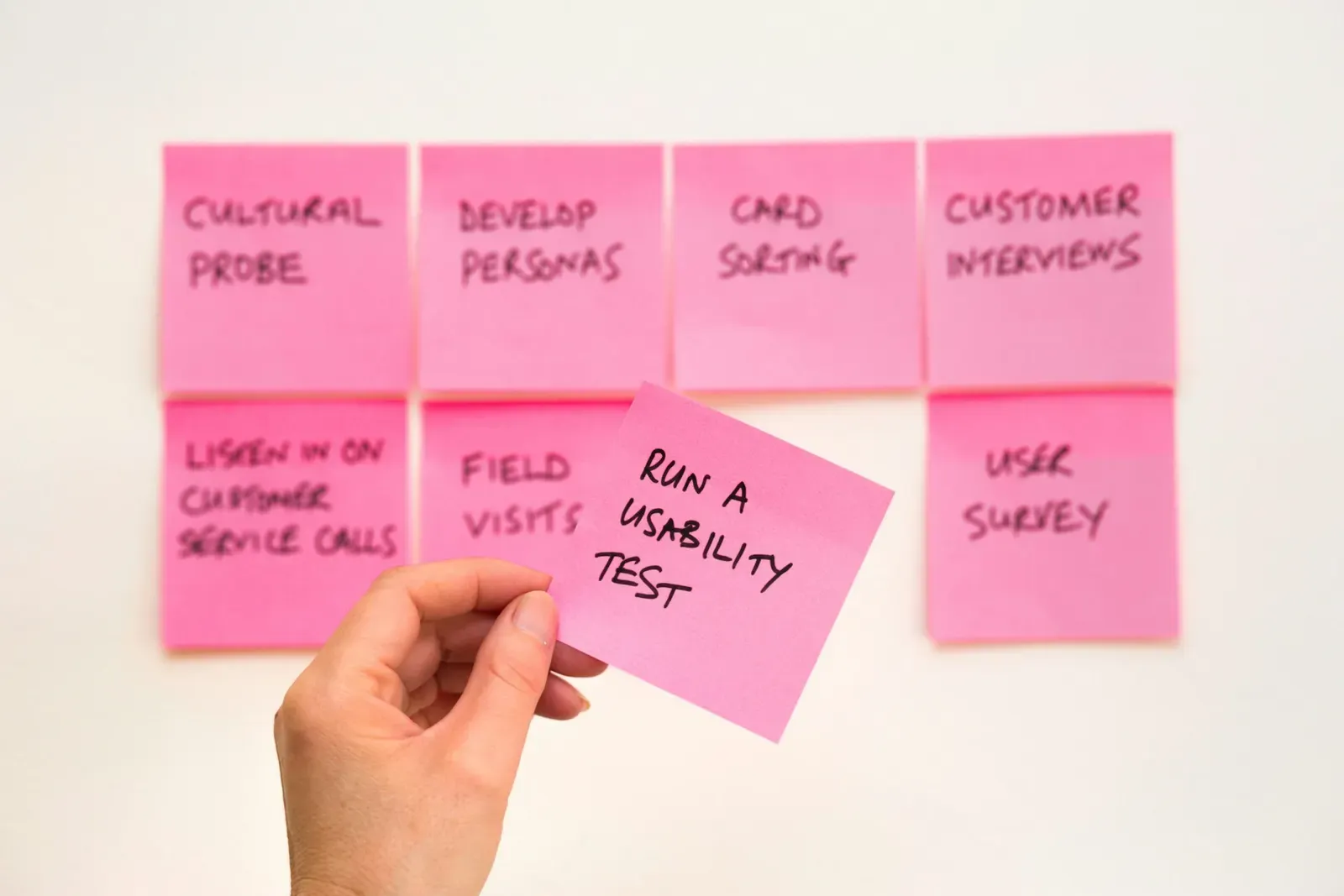
People who match your users, recruited by you or by us.
Book a table for Friday, not look around.
We note where they hesitate, mis-tap or ask for help.
Changes go into the prototype between sessions, the same day.
Figma Make code is written to make a prototype work, not to run in production. Engineers rebuild from the designs and the tested behavior, which is faster than guessing.
The Figma Make prototype as the reference for how each screen should behave.
Measurements, tokens and assets from the Figma file, ready to inspect.
What testers struggled with and what we changed, so nobody undoes a fix.
Screens, components and states listed for the engineering estimate.
Packages from $1,500; custom projects from $8,000. The Figma files and prototypes stay in your Figma team.
Your core flow designed, made interactive in Figma Make and tested with five users, with findings and fixes.
The tested flow built for real by our engineers, with data, sign-in and payments.
Research, design, prototype testing and the full product build with one team.
Figma's AI tool for turning a design or a description into a working, interactive prototype inside Figma. It writes the code behind the prototype for you.
What is Figma Make? Figma's AI tool for turning a design or a description into a working, interactive prototype inside Figma. It writes the code behind the prototype for you.
How is it different from a normal Figma prototype? A normal prototype links screens with hotspots. A Figma Make prototype behaves like an app: fields accept input, choices change what appears next and lists can filter.
Can Figma Make code ship to production? We do not ship it. It is written to make a prototype work. Engineers rebuild the tested flow from the designs, which keeps the production code clean and tested.
Do we need a paid Figma plan? Figma Make is part of Figma seats, with AI credit limits that depend on the plan. We can work in your Figma team or ours and transfer the files.
How many testers do we need? Five per round usually shows the biggest problems in a flow. We run a second round if the fixes were large.
Figma Make or v0? Figma Make when designers are leading and the goal is testing a flow. v0 when the screens should become React components in your Next.js codebase.
Book a free strategy call and leave with a clear plan and estimate. No commitment.
